01
Interrogatories
Drafted from the whole production, in your firm's form — each request tied to the fact it is chasing and the document that raised it.
Jubal reads the entire file, drafts real work product in your house style, and shows its work with a citation to the page — and finishes in the time it took to explain the assignment. It runs on your machine, against a matter your whole team shares.
Named the way the work comes in, not the way software describes itself. Each one is a filing-ready document with every fact cited to the page it came from.
Drafted from the whole production, in your firm's form — each request tied to the fact it is chasing and the document that raised it.
Every prior transcript and exhibit read first; questions grouped by topic, admissions pulled with page:line cites you can hand to the court reporter.
A custodian's mailbox becomes searchable, citable documents. “Find where he admits it” is a question, not a week.
The record as a dated timeline, every entry cited to its page, exhibit-ready.
Caption, the court's own typography, the certificate — checked against the court's rule before the file is saved.
One ask, every defendant, plus the assembled packet — the way the work actually comes in.
Hold a key and talk: a question, an assignment, the facts of a new matter. Let go and Jubal goes to work. Lawyers think out loud, and the keyboard shouldn't be in the way.
Anywhere in the desktop app: the chat, a draft, any form field. Your words appear as you speak, and the field they're landing in lights up.
No field selected? Talk anyway. Let go and your words open the Ask box, ready to send.
Voir dire, in limine, duces tecum, Daubert — and your firm, your team, and the matter's parties, opposing counsel and court, spelled right the first time.
Audio goes straight from your computer to the speech service. It is never stored and never passes through Jubal's servers, and the mic closes itself after three minutes.
Every document ingested and indexed — pleadings, depositions, contracts, correspondence — so answers come from the whole record, not a lucky keyword match.
Each document is summarized at intake: what it is, who's in it, key dates. Ask a question and Jubal already knows which depositions and exhibits to open.
Where ordinary OCR mangles handwriting, stamps, and faxes, Jubal looks at the page like a person does. Messy scanned discovery becomes searchable, citable text.
Full-text search across the entire matter in an instant — every document, every page.
Memos, motions, demand letters, chronologies, Bates-stamped exhibit packets — filing-ready Word documents you own and edit like any other file. No lock-in.
Purpose-built routines: contract review with risk ratings, NDA triage, key-fact extraction, document comparison, chronologies, demand letters, filings.
“Draft the demand letter for each defendant” produces all of them, plus the assembled packet — the way the work actually comes in.
When a request is genuinely ambiguous — scope, audience, which party's side — Jubal asks a quick question instead of wasting a draft.
A brief can cite real authority and still get struck for its font, its length or a rule that was renumbered last year. Jubal checks those too, before the file reaches you.
Typeface, point size, spacing, margins, page and word limits, the certificate of compliance: set from the rules of the court the matter is in. More than 330 courts, each value tied to the rule that sets it.
Every rule citation is checked against the current text, down to the subdivision: the Federal Rules, circuit and district local rules, and the court rules of every state and DC. A renumbered or repealed rule is flagged.
Edit a filing in Word and break a rule — the wrong font, a nudged margin — and it saves marked “Not to court rules”, with one click to fix it. Anything only you can change, like length over the limit, is named.
Drafting for a court Jubal hasn't validated yet? It says so up front and tells you what to confirm with the clerk before you file.
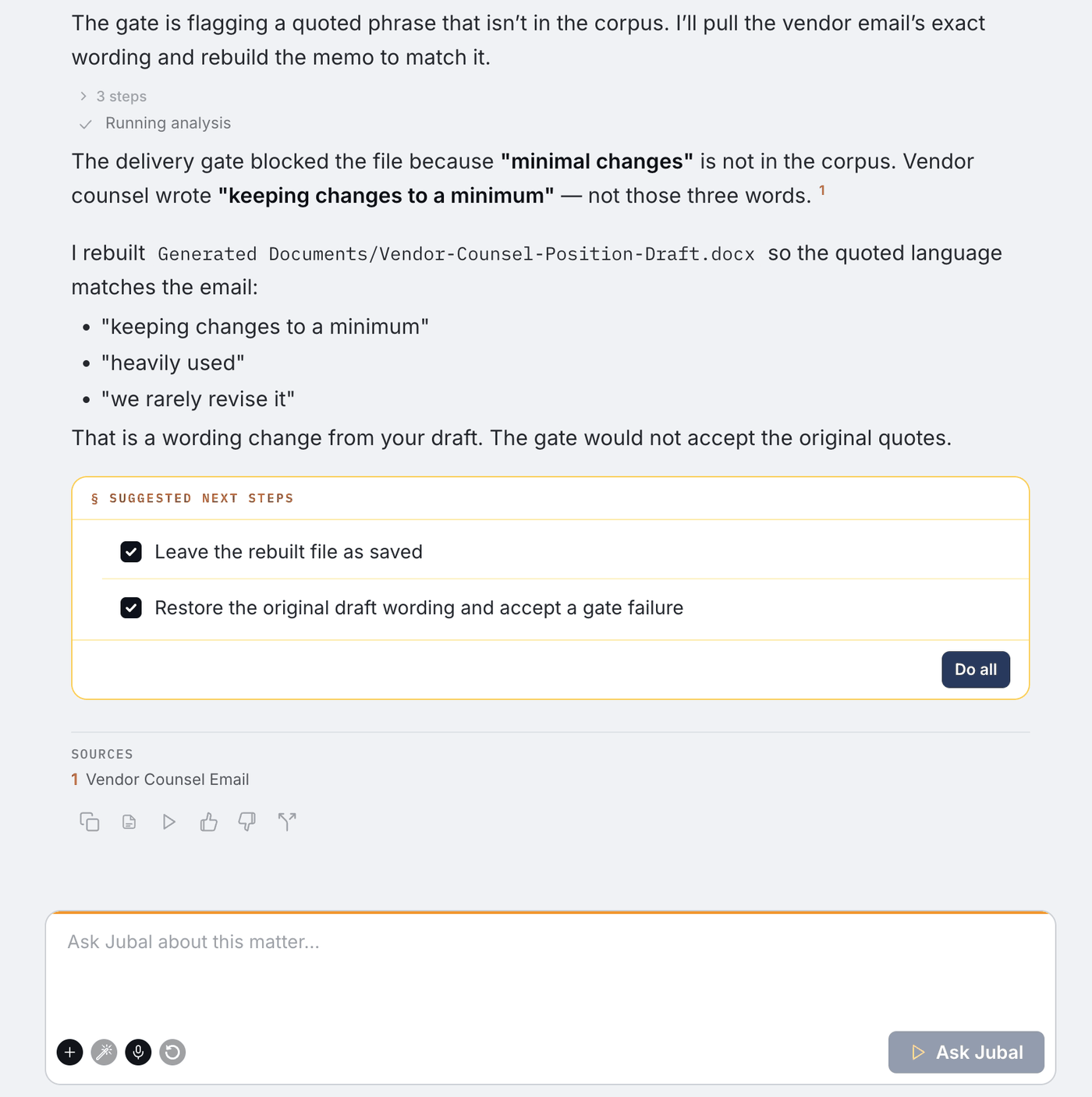
Every assertion comes with the document, the page, and the exact quote — click to verify. Unsupported authority becomes a visible placeholder, never an invented case. If the record doesn't support a claim, Jubal says so.
Drop in the documents you already have. No data migration, no ingest project — Jubal indexes and summarizes everything privately.
Files, work product, threads, deadlines, and parties shared across the firm's seats — with per-matter walls when a matter needs restricting.
Ask questions across the matter, typed or spoken, draft in your firm's voice, review against your playbook — with citations to where every claim came from.
Run Jubal on real work free for 10 days, with our team a reply away.