Open your first matter
Everything in Jubal happens inside a matter: documents, chats, drafts and deadlines. Four steps open one and fill it.

Create the matter
Open Matters and choose New matter. Name it and attach the client, or add the client in the same flow.
Every new matter passes a conflicts check first: the client and the other side are screened against every other matter in the firm. A name match must be reviewed and a resolution recorded before the matter is created.
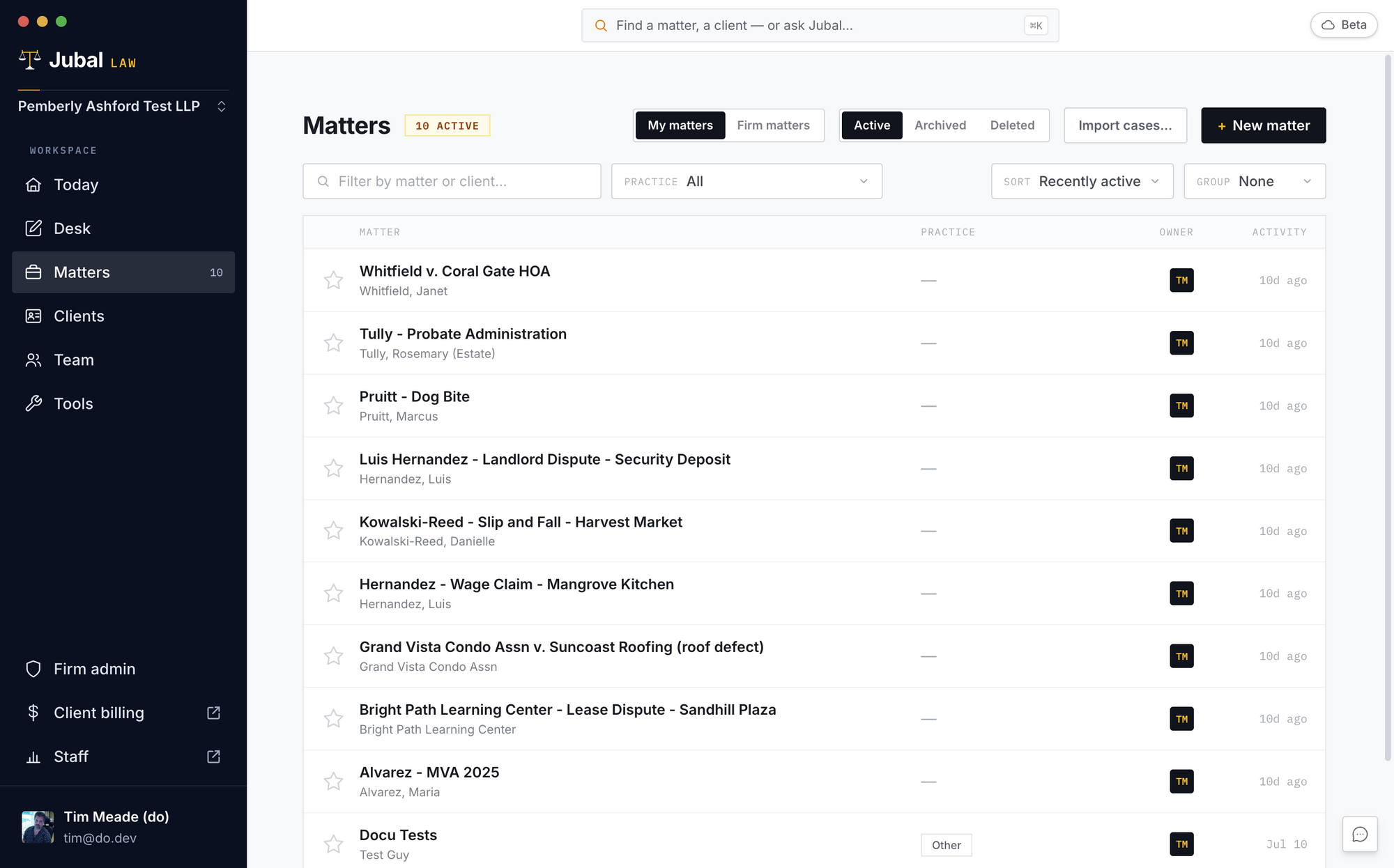
The conflicts check can't be clicked past. It is enforced on the server, for everyone.
Name the court
Open the matter's Settings tab, choose the Court system, then the Court. It shows on the Details tab from then on. Filings Jubal drafts for this matter follow that court's caption, format and rules. Jubal also copies the parties' names from papers already filed in the matter.
Bring the file in
Drag files or whole folders onto the matter's Files tab. Before a big drop, Jubal shows what's new, what's an exact duplicate (skipped) and what can't be read, and you confirm.
Folder structure is kept, so Jubal cites by the paths your team knows. Scanned and handwritten pages are read, and recordings are transcribed.
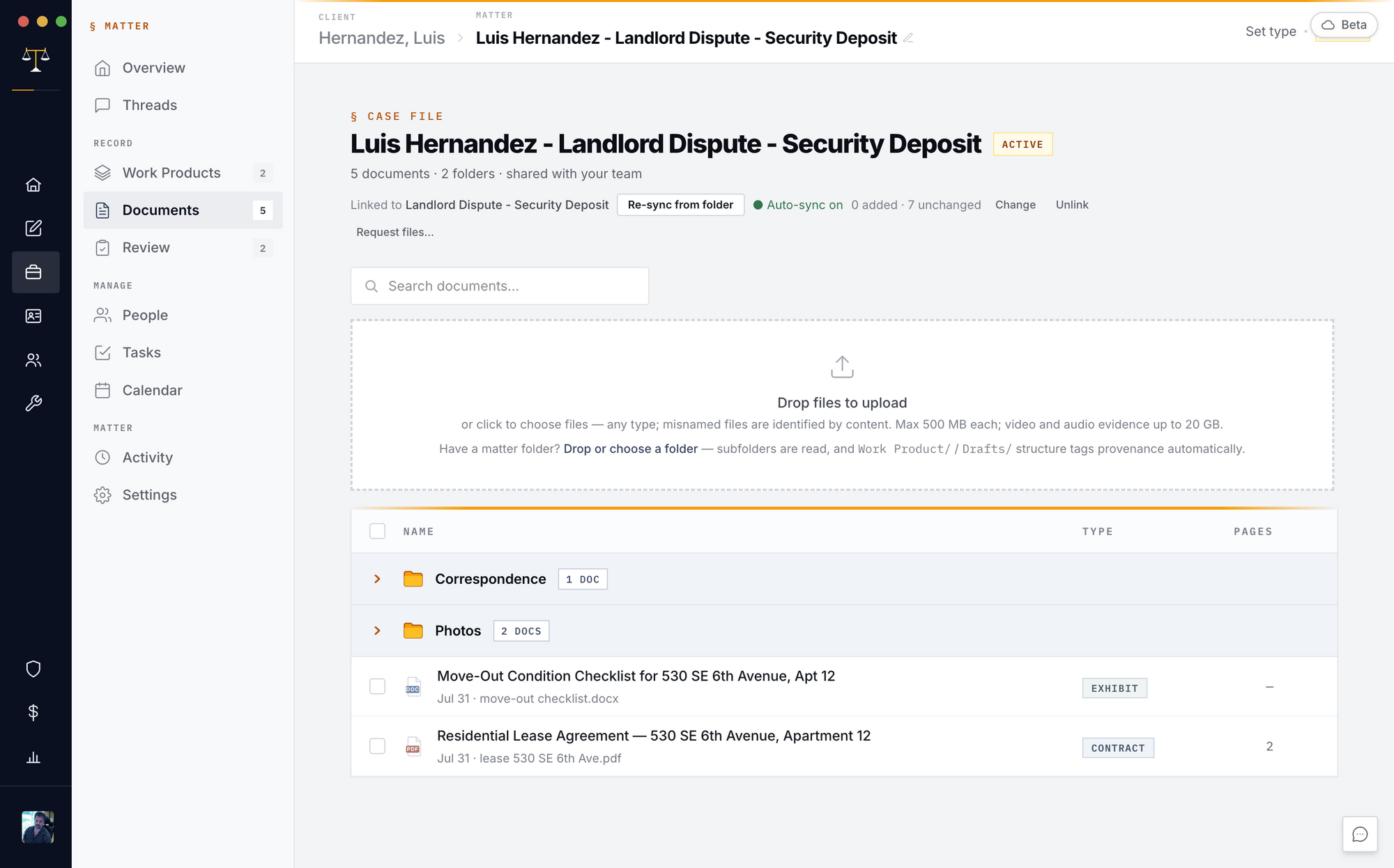
Link the matter to its folder on your office drive once, and Re-sync from folder keeps it current. While the matter is open, the app watches the folder on its own.
Or import your whole caseload
Open Tools › Import cases and point Jubal at the folder that holds your cases. It recognizes the structure (client folders with case folders, or one folder per case), proposes a matter and client for each, and you review the whole list before anything is created.
Interrupted? Run it again. Nothing uploads twice.
You are done when…
The matter exists, with its client, and its conflicts check is recorded.
The matter's court is set.
The case file is in Files, and Jubal has read it.