Upload
Drag files or whole folders anywhere onto the Documents page. Before a big drop, Jubal shows a pre-upload summary — what's new, what's an exact duplicate (skipped), what can't be processed — and you confirm. Folder structure is kept: the Documents page shows your folders, and Jubal cites by the paths your team knows.
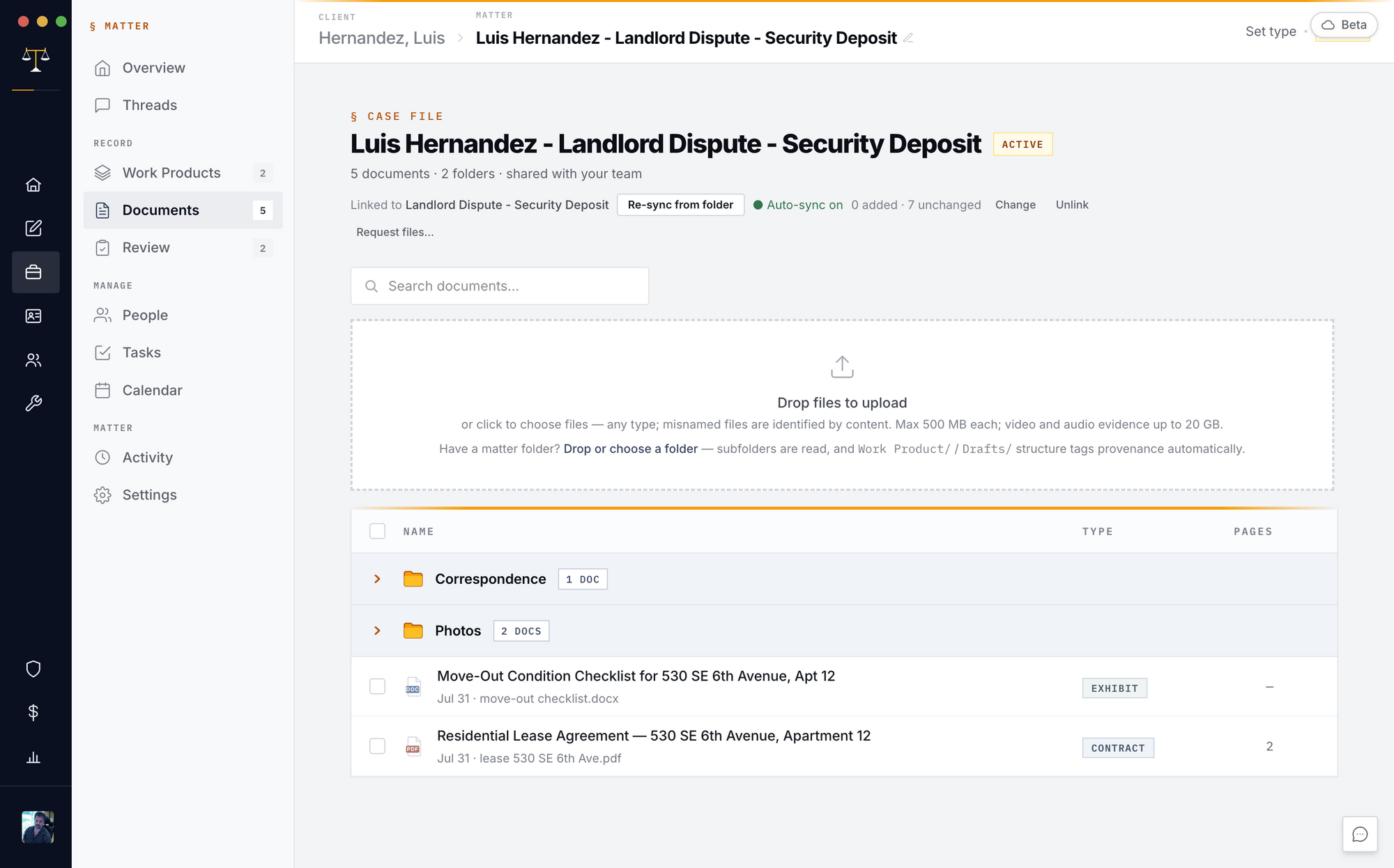
What happens at ingest
Every document is identified by its contents (misnamed files still ingest correctly), summarized into the matter's index, made searchable, and — where the filename is unreadable — given a suggested readable title you can apply, edit, or dismiss (the file itself never changes). Scanned and handwritten pages are read visually; photos get a searchable description; recordings are transcribed (multi-gigabyte bodycam included — oversize media extracts audio locally next time a team desktop opens the matter).
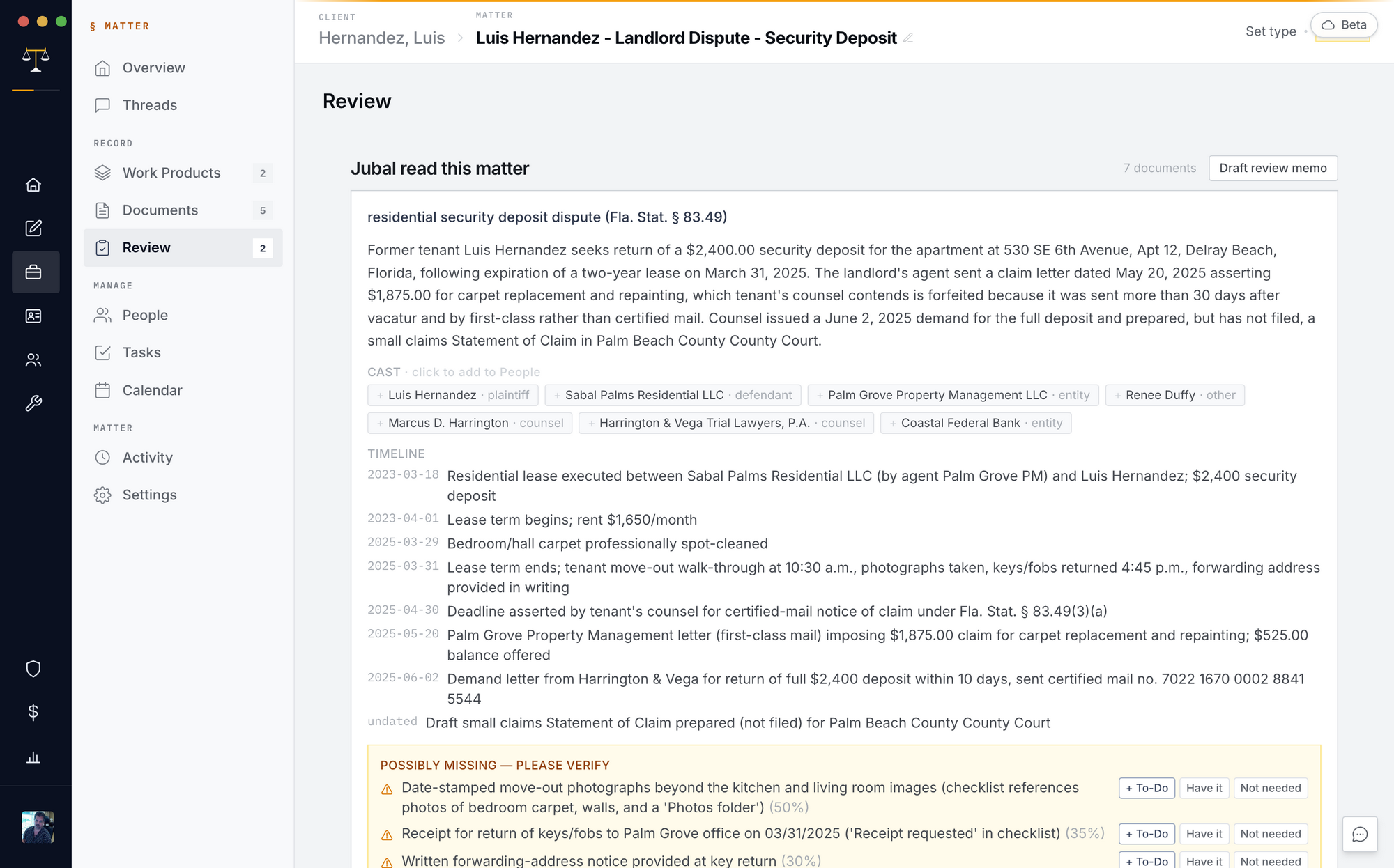
The viewer
Click any document: the side panel shows type, dates, pages, status, your designations and notes; the viewer opens PDFs and Word files with the citation panel, version History (download or restore any version — restores become new versions, the trail is never rewritten), and download.
Keep the matter current from the office drive
Matter → Documents → Re-sync from folder after linking the matter to its drive folder once (the link is per-machine). While the matter is open, one desktop on the team auto-watches the folder every few minutes — the case file stays current without anyone clicking.
Request files from a client
Documents → Request files: enter a name and email; they get a branded secure link to a drag-and-drop page (no account, files to 5 GB). Everything lands in a review queue — nothing enters the matter until an attorney accepts it, stamped with who sent it and when. Revoke the link anytime.