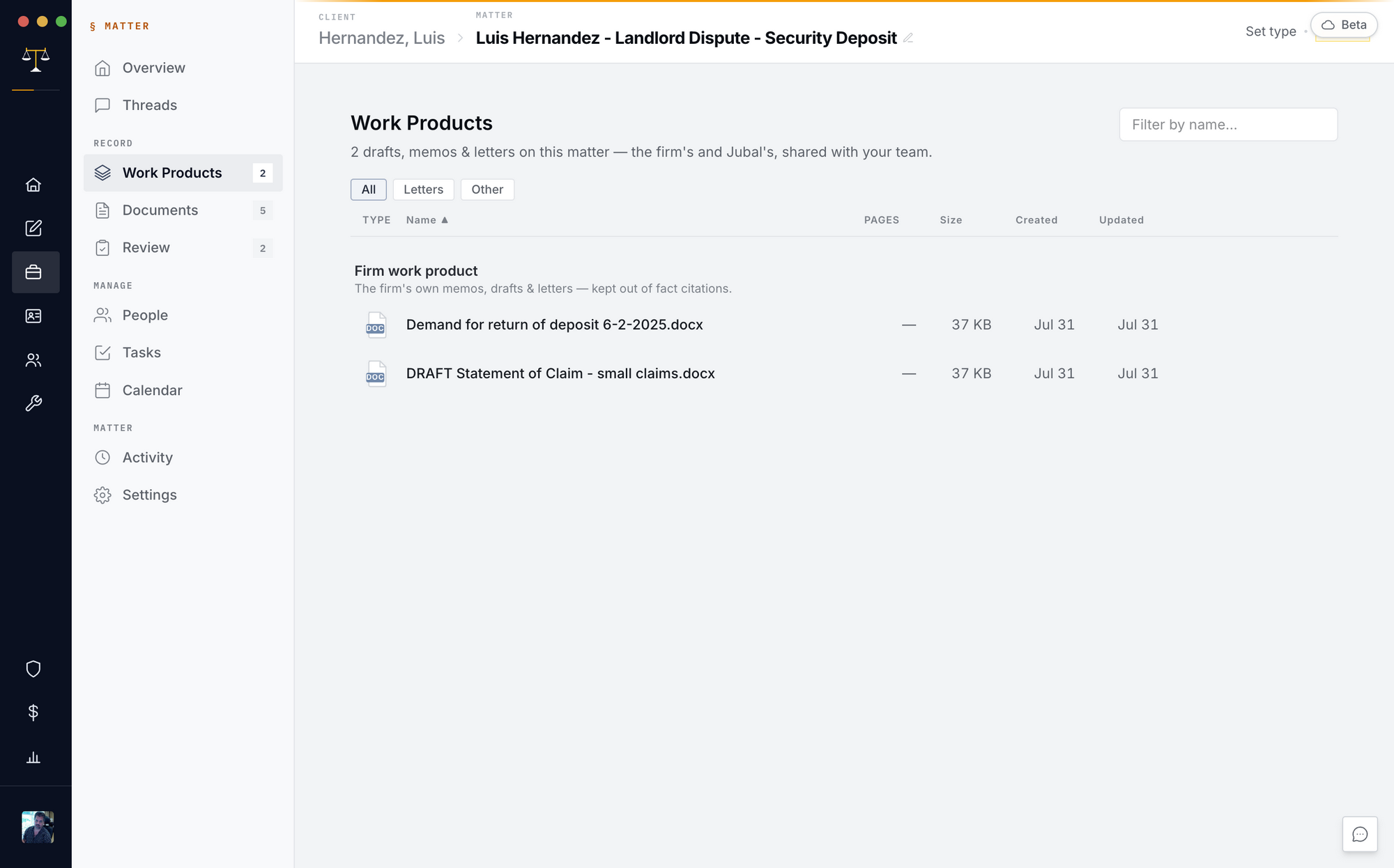
Everything Jubal drafts lands on the Drafts page, tagged by type
(memo, letter, motion, chronology, packet…), newest first, and as real
.docx/.pdf/.xlsx files you own.
- Edit right in Jubal: open a draft and click into it — the page you type on is the Word file's page, and court filings open as the court's own page. Save Doc writes a new version; History keeps every one. Everyone on the matter can edit the same draft live. Word drafts your firm uploaded open too, with Make editable.
- Edit in Word, bring it back: download, edit, and drop the edited file back on the Drafts page (or just re-sync the linked folder — downloads land in a "From Jubal" folder there and edited copies return on their own). The edit becomes a new numbered version of the same document, and Jubal studies the changes — what it learned lands in the matter's visible memory and improves the next draft.
- Review flags: every deliverable passes a delivery gate — leftover placeholders, unverified citations, completeness gaps are flagged on the document and in the thread. Nothing ships half-finished silently.
- Citations report: drafts with authorities carry a ✓/⚠/✗ citation panel — record cites checked against your documents, legal cites against the primary sources.