The left sidebar has six destinations: Today, Quick Desk, Clients, Matters, Team, Tools, plus your account menu (Settings, sign out) at the bottom. Click blank sidebar space to collapse it to an icon rail; click again to expand.
- Today — your dashboard: deadlines this week, overdue items, open tasks, recent activity and work product across your matters.
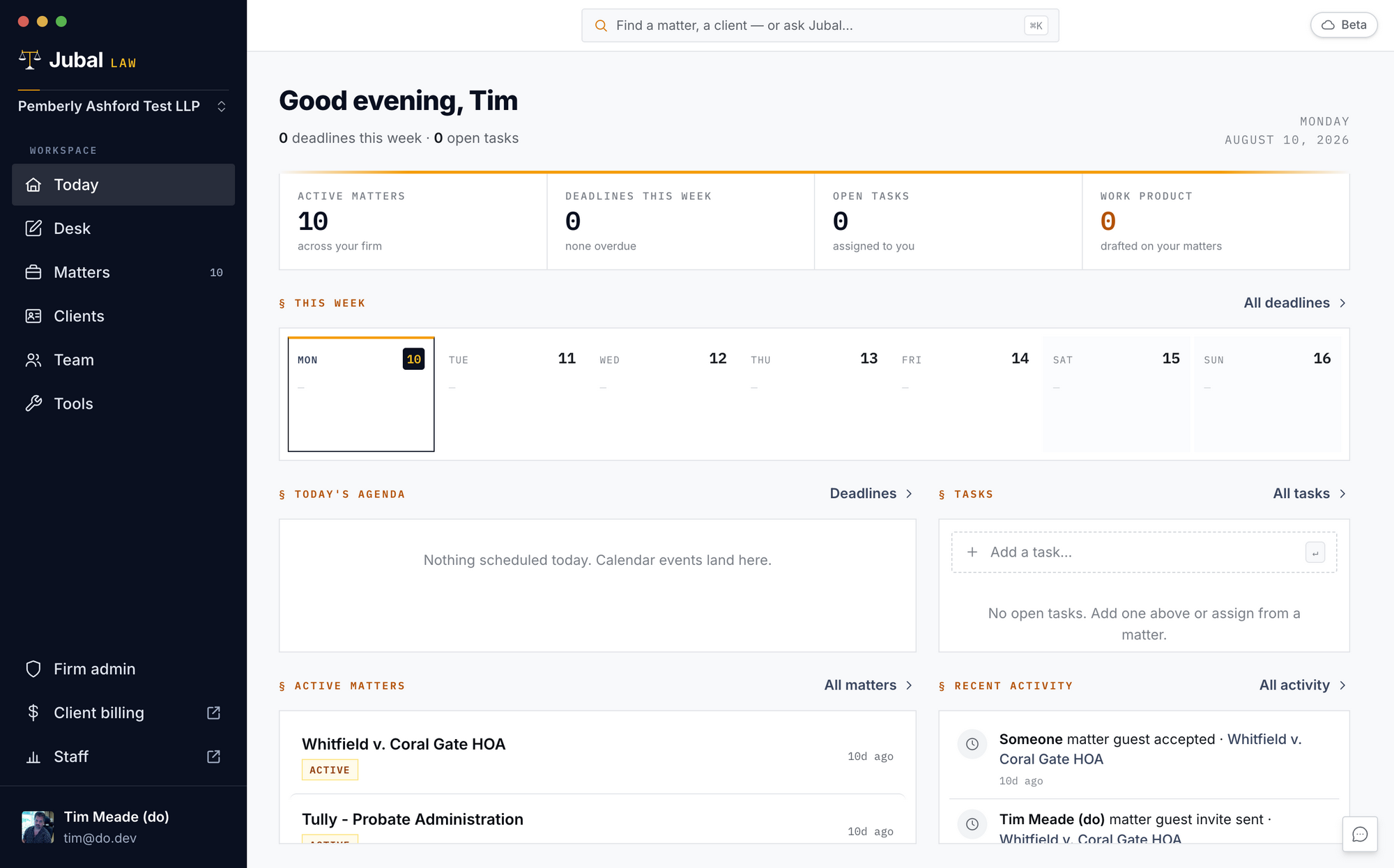
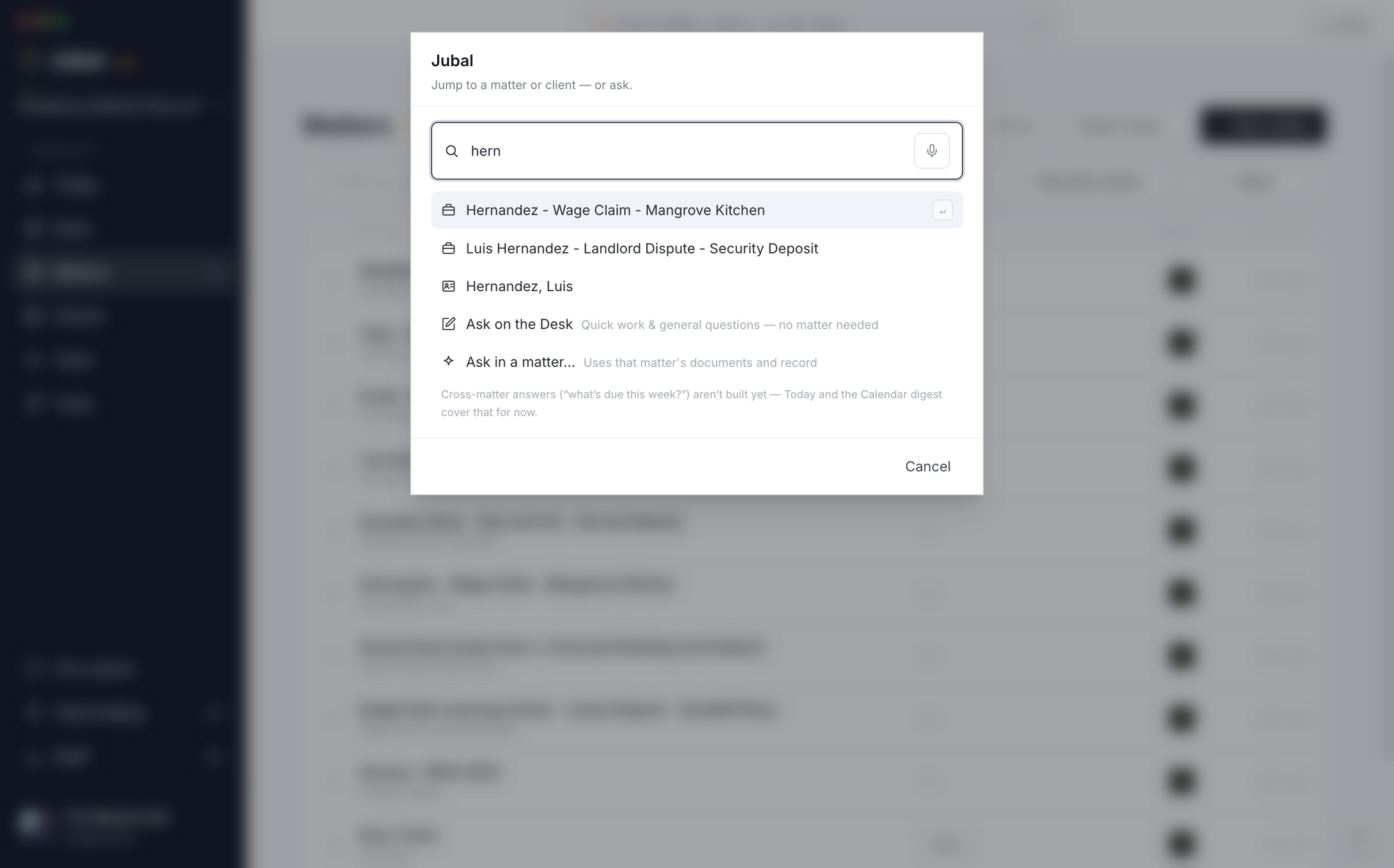
- ⌘K (Ctrl+K on Windows) — the command palette from anywhere: type a matter or client name to jump to it, or type a question and choose where it runs (the Quick Desk for quick/general work, or a matter thread).
- Inside a matter, eight tabs under the matter name are always there: Overview, Files, Review, Drafts, Chats, Details, Related, Settings. Review's count turns gold while something waits on you. People, Tasks, Calendar and Activity live under Details.
- Text size: Settings → Appearance, or ⌘+ / ⌘− anywhere.